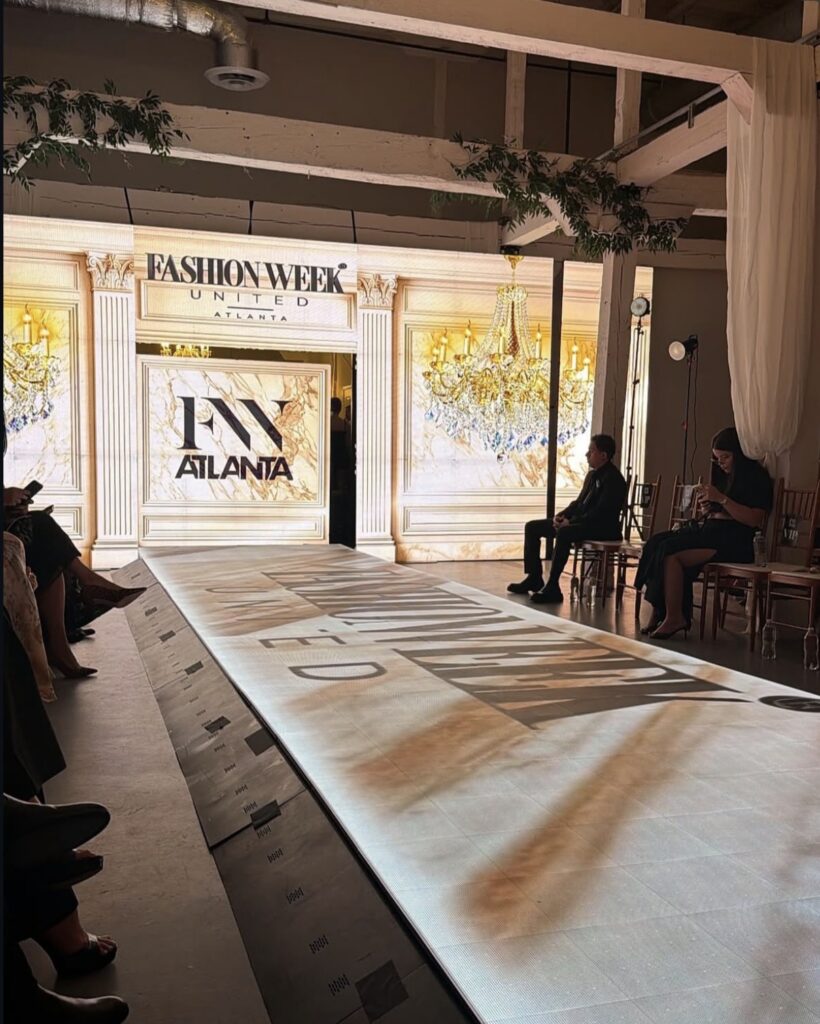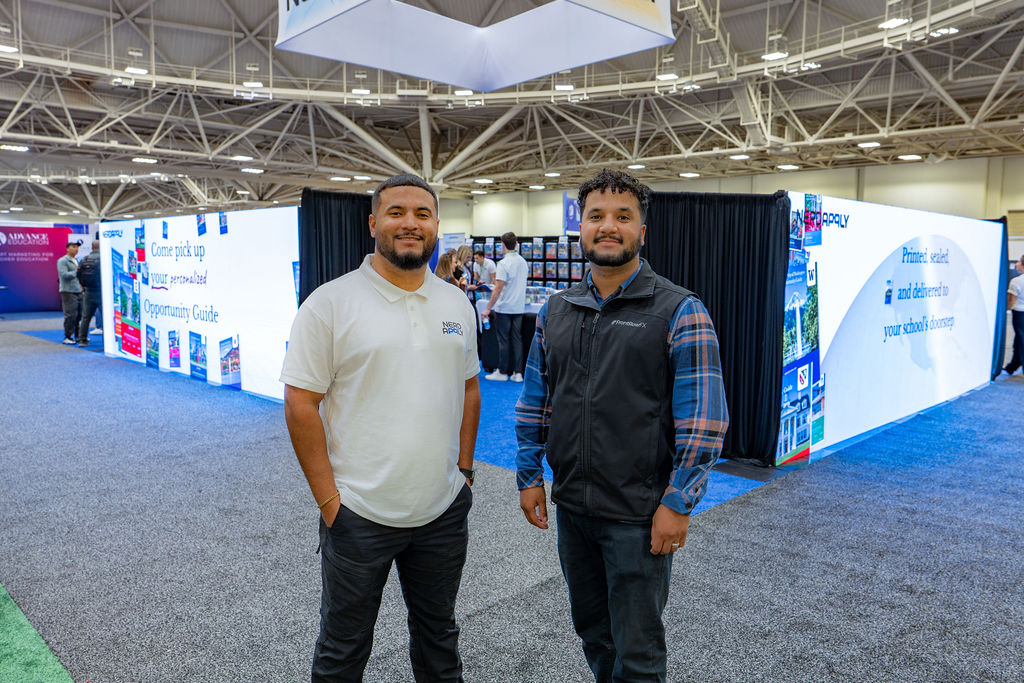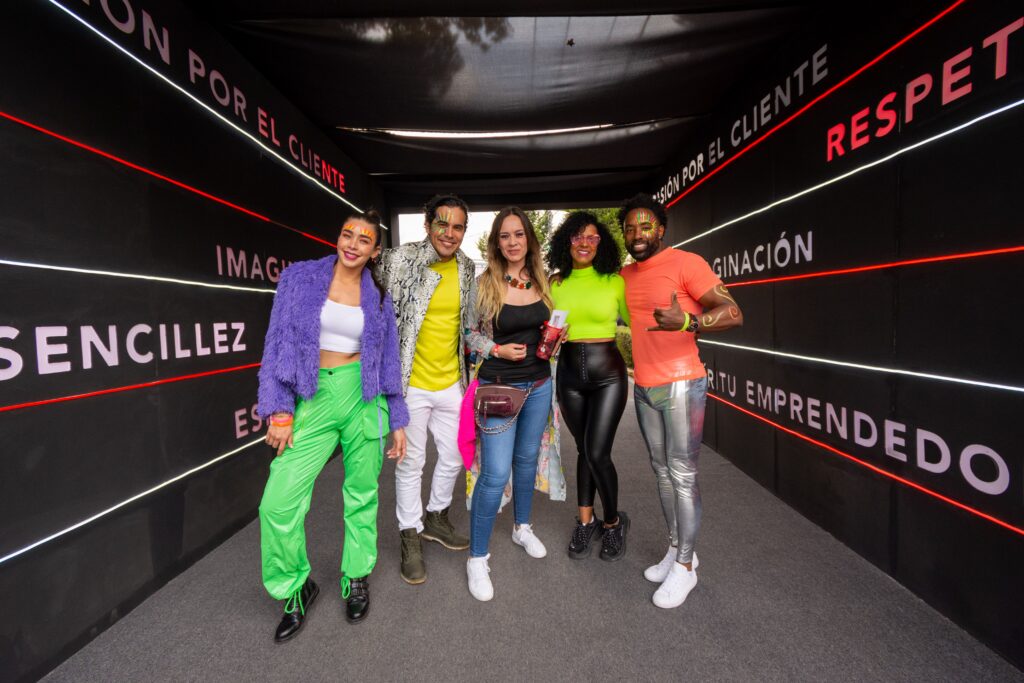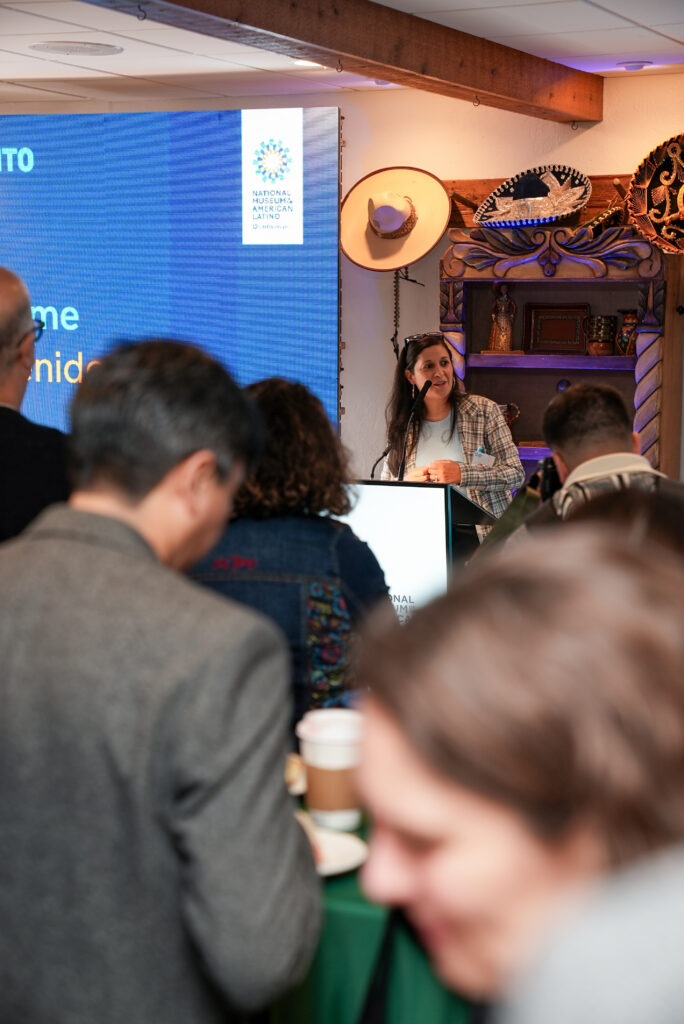
General Session AV: Designing a Complete Conference Experience, Not Just an AV System
What “General Session AV” Really Means
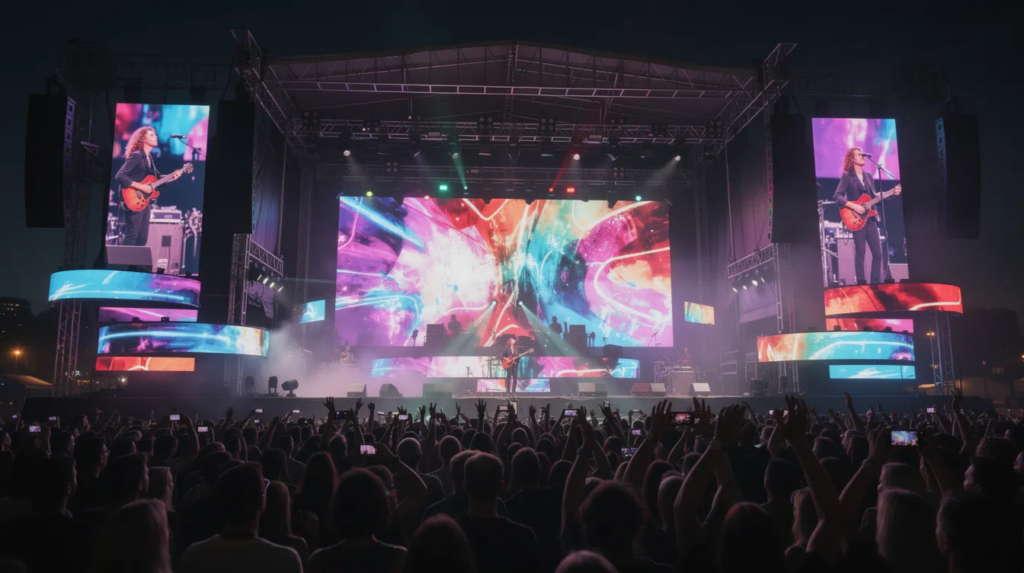
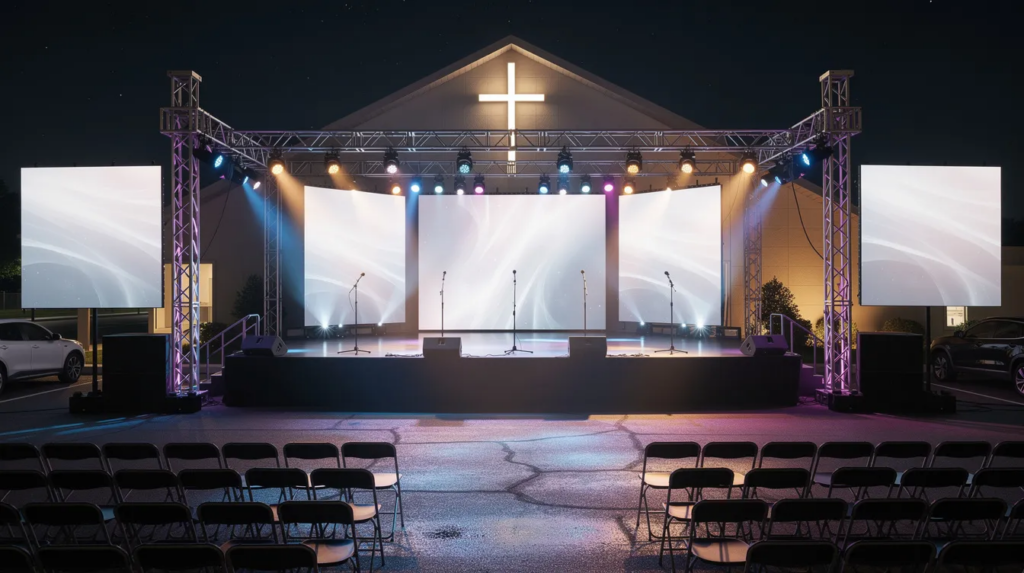
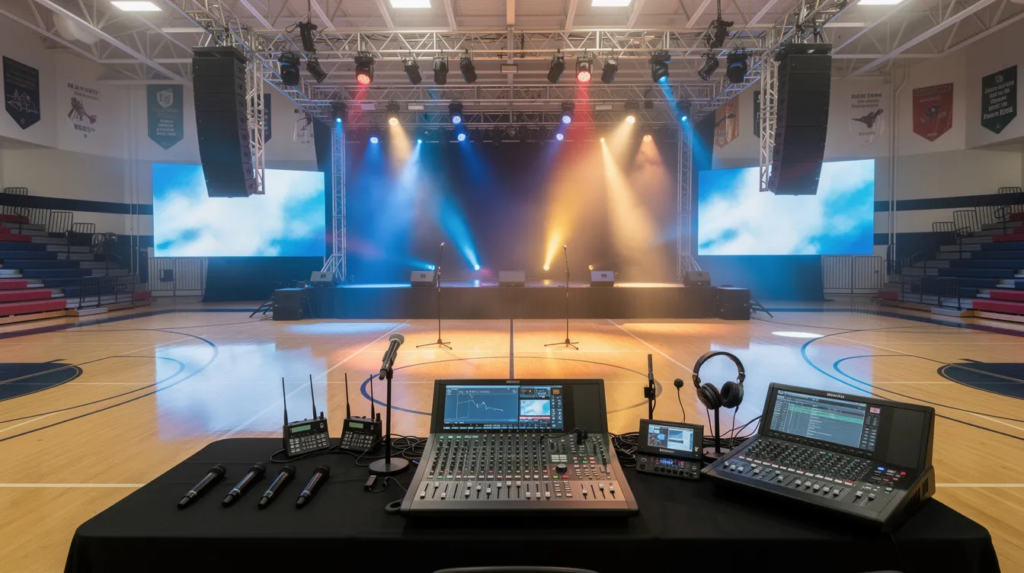
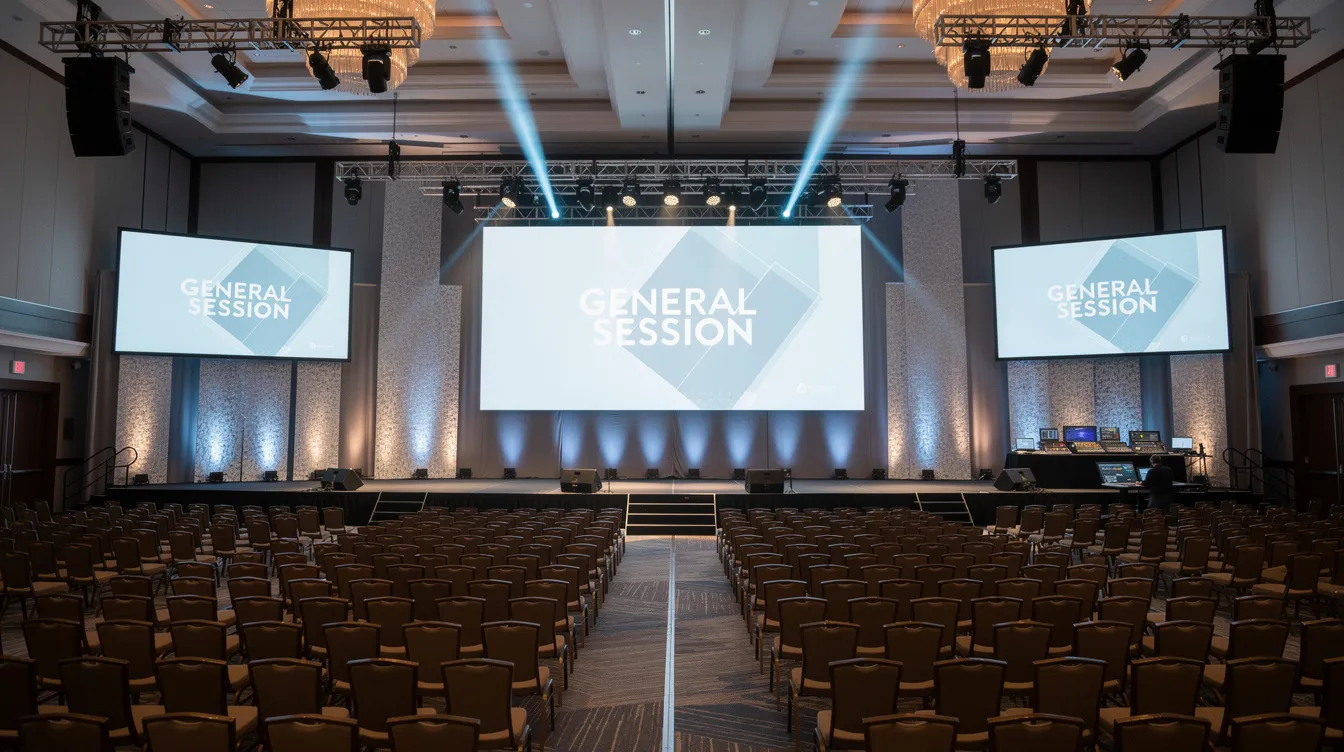
General session AV is the integrated audio, video, lighting, and control system that drives the main room at a corporate conference. It covers everything the audience sees and hears from the moment doors open: the PA system, the displays, the stage lighting, the cameras, the content playback, the crew running it, and the infrastructure tying it all together. A general session AV setup requires audio, visual, and control equipment scaled to the size of the room.
A professional general session is a coordinated production environment, not a random collection of AV equipment on a quote. The best general session AV solutions for corporate events combine reliable audio and high-impact visuals under one production direction. An integrated AV production package provides a cohesive experience for large events because every system is designed to work with every other system from the start.
Front Row FX designs and operates general session AV for conferences, meetings, and special events across Minnesota, Wisconsin, Chicago, and the Upper Midwest. Early AV planning saves money and reduces risk; the planning process should begin with six core variables: audience size, room dimensions, program format, content types, speakers, and show complexity. This article walks planners through every major system in practical terms.
Start with the Room and the Program, Not the AV Equipment
Before requesting conference AV proposals, event teams should document the variables that shape every technical decision. A conference with 1,000 attendees needs different AV setups than a 150-person executive meeting, and large conference AV budgets vary by venue and equipment choices.
Here is what your AV partner needs from you:
Audience size. A 150-person corporate meeting in a hotel conference room requires a different scale of sound reinforcement, screen size, and camera coverage than a 1,200-person general session in a Minneapolis convention center ballroom.
Room dimensions and ceiling height. Ballrooms deeper than 80 to 100 feet typically require IMAG and audio delay speakers. Low ceiling height limits rigging options for LED video walls and lighting trusses. The layout of a presentation requires considerations for sightlines and room dimensions.
Program format. A single keynote with slides is a different production than a half-day program with panels, awards, fireside chats, and live music. Each format changes microphone counts, playback needs, and conference stage production design.
Content types. PowerPoint or Keynote decks, full-screen video rolls, remote presenters, and live demos each carry distinct AV requirements. Making presentations with embedded video, for instance, demands tested playback and audio routing.
Speaker profiles. Experienced keynote speakers who move across the stage need wireless headset mics and well-placed confidence monitors. Internal presenters making their first stage appearance need more rehearsal time and clearer cueing.
Show complexity. A simple morning town hall is a different animal than a multi-day corporate event with branded walk-ons, panel transitions, and award announcements. Stage design should include safety steps and accessible access based on venue requirements.
Audio: Designing Clear Sound for Every Seat
Audio is the highest priority in any general session. Poor audio can disrupt attendees’ ability to follow presentations, and no amount of visual polish compensates for unclear speech. Audio quality is crucial for effective communication at conferences; research indicates audio quality can boost engagement by up to 20%.
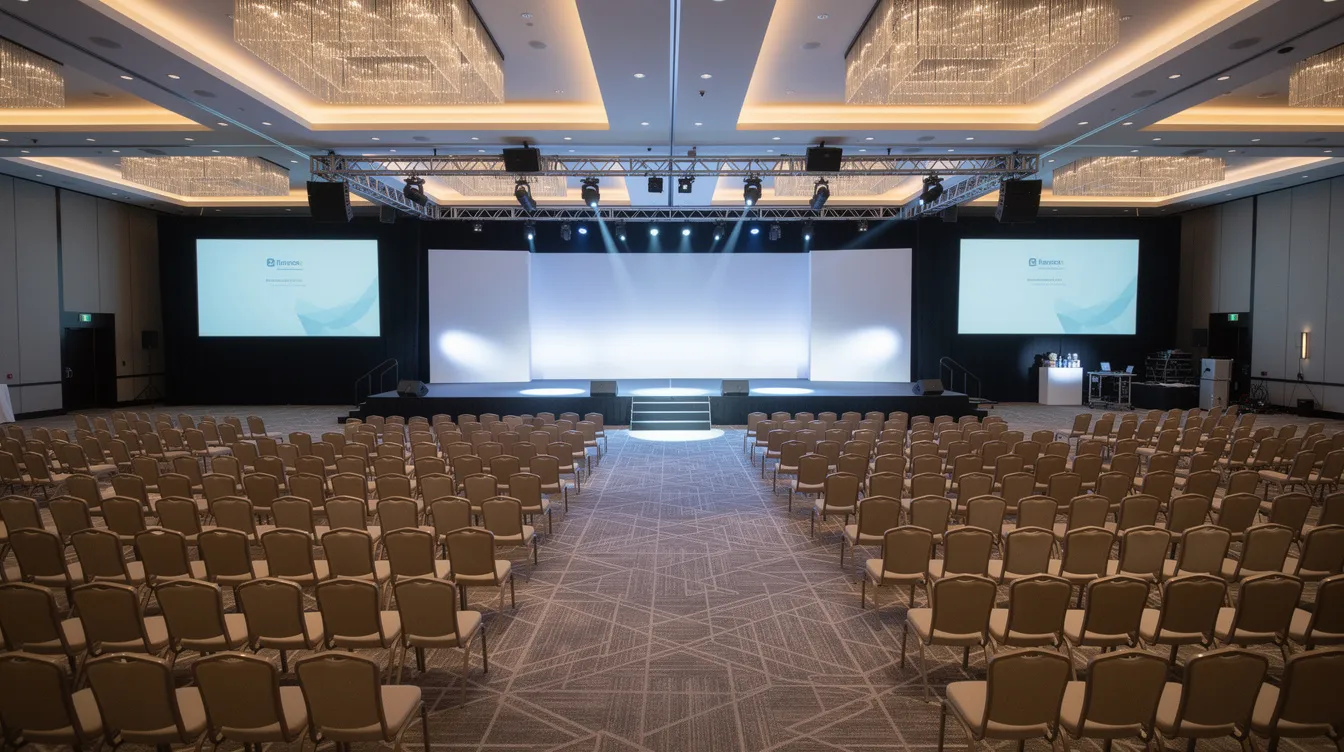
Speaker coverage. For a typical general session, professional audio starts with main PA arrays positioned to cover the center seating area. Front fills handle the first few rows, and in rooms deeper than roughly 80 feet, delay speakers maintain intelligibility at the back. Line array speakers can enhance sound distribution in large venues, delivering even sound levels from row one to the last seat. The target for speech reinforcement is typically 85 to 90 dB(A) at the back row without distortion.
Microphone strategy. Microphone selection impacts audio clarity during presentations. A well-planned general session typically includes:
Wireless lavalier or headset mics for keynote speakers (wireless microphones provide presenters with freedom of movement during sessions)
Lectern microphones for podium segments
Wireless handhelds for Q&A and hosts
Table or panel microphones for moderated discussions
Omnidirectional microphones for hybrid settings where room-wide audio capture matters
Each wireless channel needs frequency coordination to avoid interference, plus spare batteries and backup units.
Digital mixing and audio routing. A digital console manages multiple inputs across session segments: walk-in music, speaker mics, video playback audio, and panel discussions. Scenes or snapshots stored on the console let the audio technician recall settings instantly for each segment rather than manually re-adjusting between a keynote and a panel.
Room acoustics matter. Acoustic mapping evaluates a venue’s natural acoustics for optimal sound placement. An echoey convention hall with hard walls and high ceilings demands more system tuning and possibly acoustic treatment than a carpeted hotel ballroom with fabric wall panels. Speaker placement and EQ adjustments compensate for the room, but they require an experienced technician actively mixing, not a “set and forget” approach to audio equipment.
Stage monitoring (small wedges or side fills) may be needed so presenters can hear video cues, walk-in music, or each other during panel discussions. Prioritize audio and video systems first in your planning process for the best attendee experience.
Video Displays: LED Walls, Projection, and Sightlines
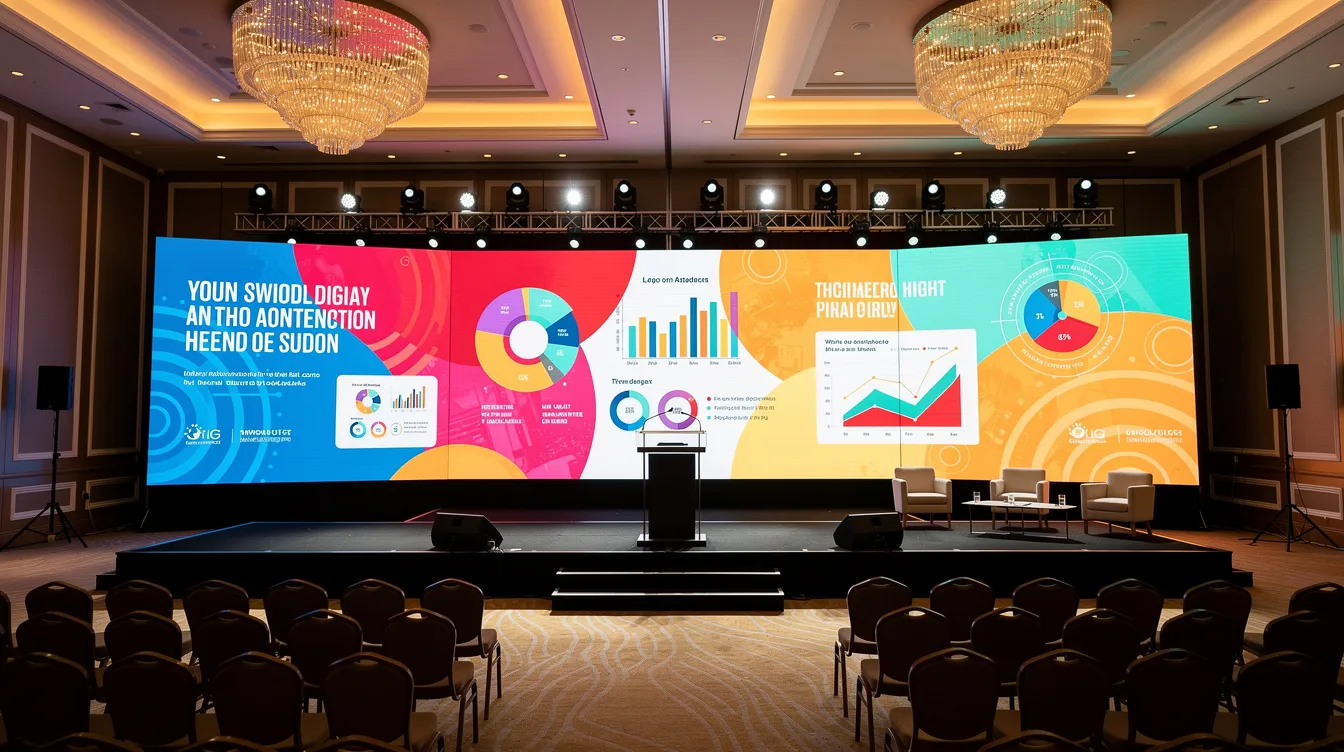
Display choices drive content visibility for every attendee in the room, from the front row to the back corners. The decision between LED video walls and projection depends on concrete room conditions.
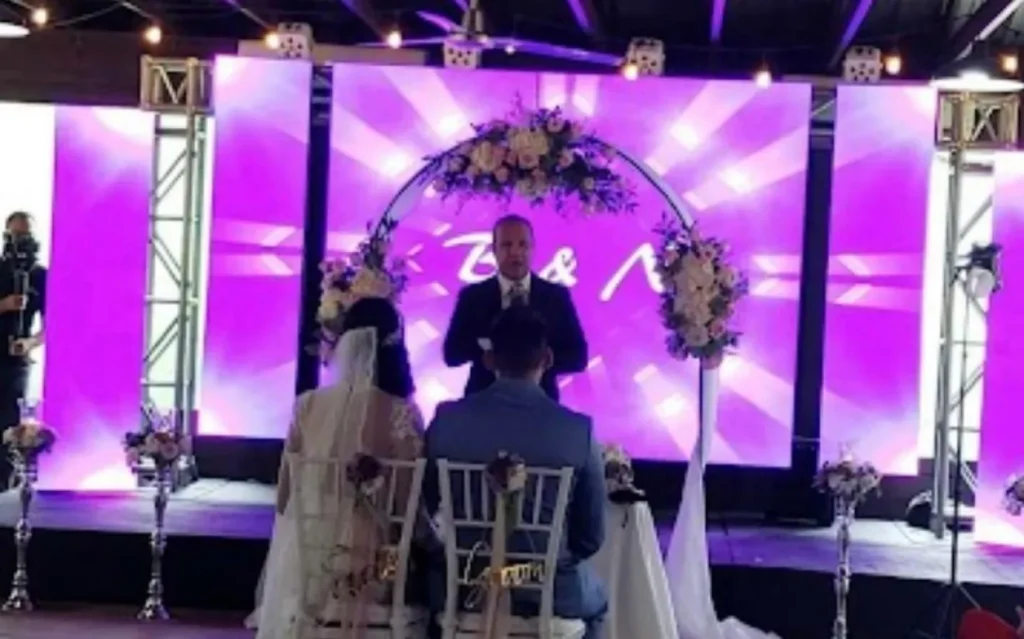
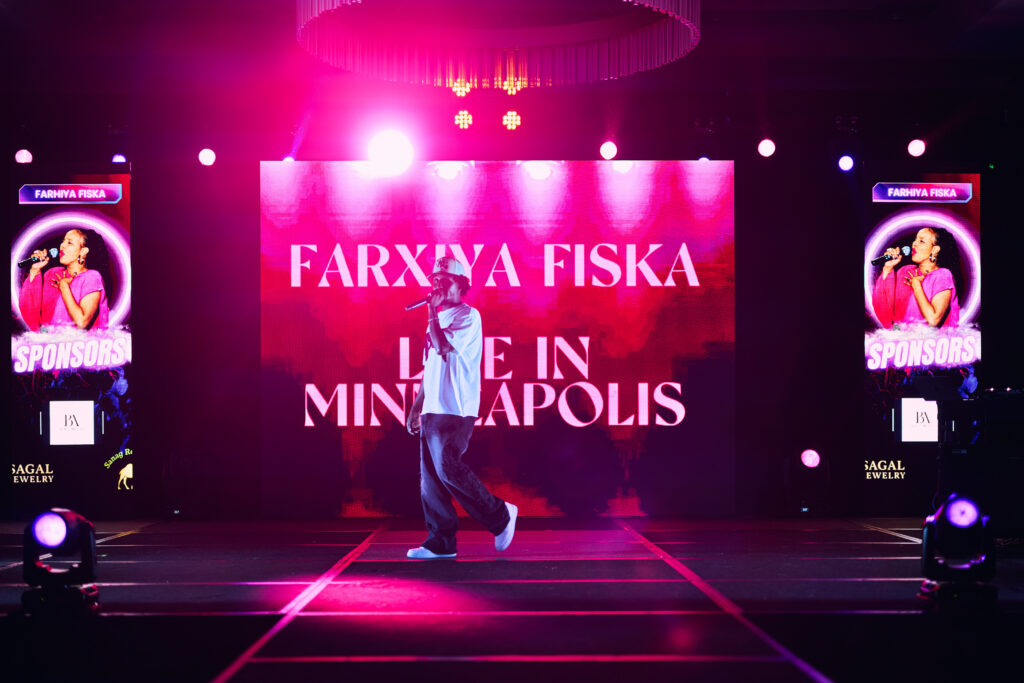
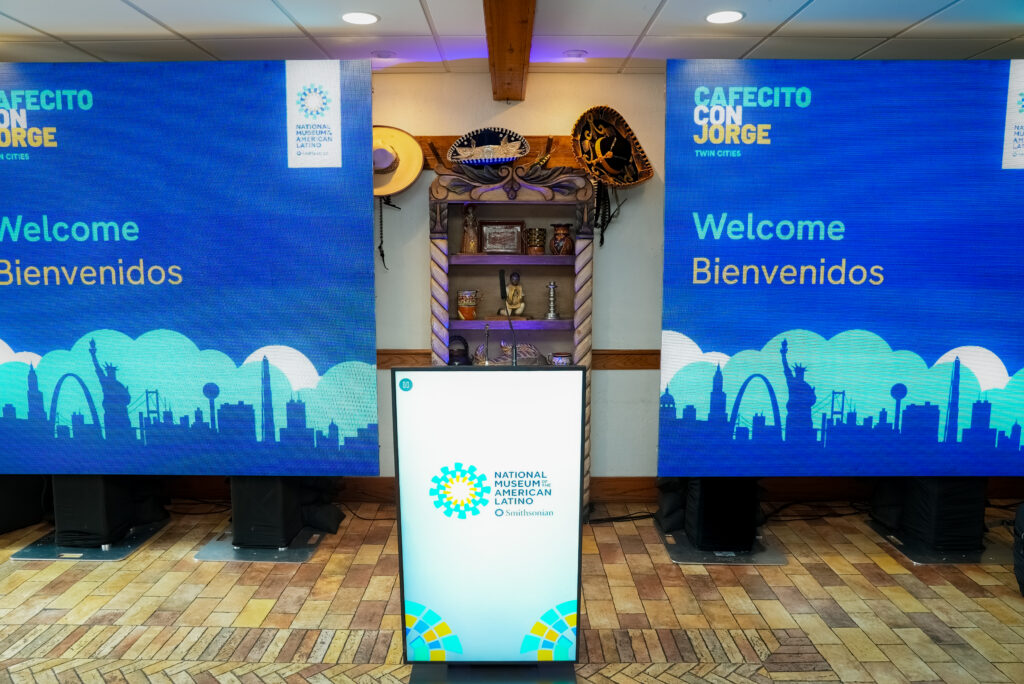
LED vs. projection. LED video walls provide high brightness and flexible configurations. In a high-ambient-light ballroom with large windows or bright architectural lighting, LED is the stronger choice because it emits light rather than reflecting it. High-lumen projectors are used as primary displays when traditional projection is better suited, such as in darker rooms where budget is a priority. High-brightness projection systems remain effective in large meeting spaces with controlled ambient light and sufficient throw distance.
Screen size and aspect ratio. Most general sessions use 16:9 displays; ultra-wide 32:9 formats create a panoramic look for scenic-heavy programs. Proper display size and placement enhance content readability. In practice, this means text on slides should be legible from the back row, and content readability standards include clear fonts and good contrast at the intended viewing distance.
Sightlines. Avoid obstructions from chandeliers, rigging hardware, or scenic flats. In wide rooms, side screens or relay screens maintain clear visibility for attendees seated at extreme angles. Content resolution should match the display technology so slides and video appear sharp and correctly framed on every surface.
Image magnification uses live camera feeds projected onto the main screens so attendees far from the stage can see presenter facial expressions and gestures.
Presenter Confidence Monitors: Keeping Speakers in Control
Confidence monitors let presenters see their slides and notes without turning around to look at the house screen. They are one of the simplest upgrades that improve the polish of any general session.
A typical layout places one or two floor monitors at the downstage edge, angled upward so only the speaker can see them. For large or deep stages, rear-facing displays offer a second reference point. These monitors can show the current slide, the next slide, speaker notes, and a countdown timer so the presenter always knows how much time remains.
For complex shows, confidence displays also carry program information: the current session title, the next segment, and cue notes from the show caller. This keeps everyone aligned without verbal interruptions.
Effective confidence monitor routing requires coordination between the playback system, stage management, and the video team. The signal path must be planned alongside the main display routing, not treated as an afterthought.
Lighting: From Basic Visibility to Full Conference Stage Production
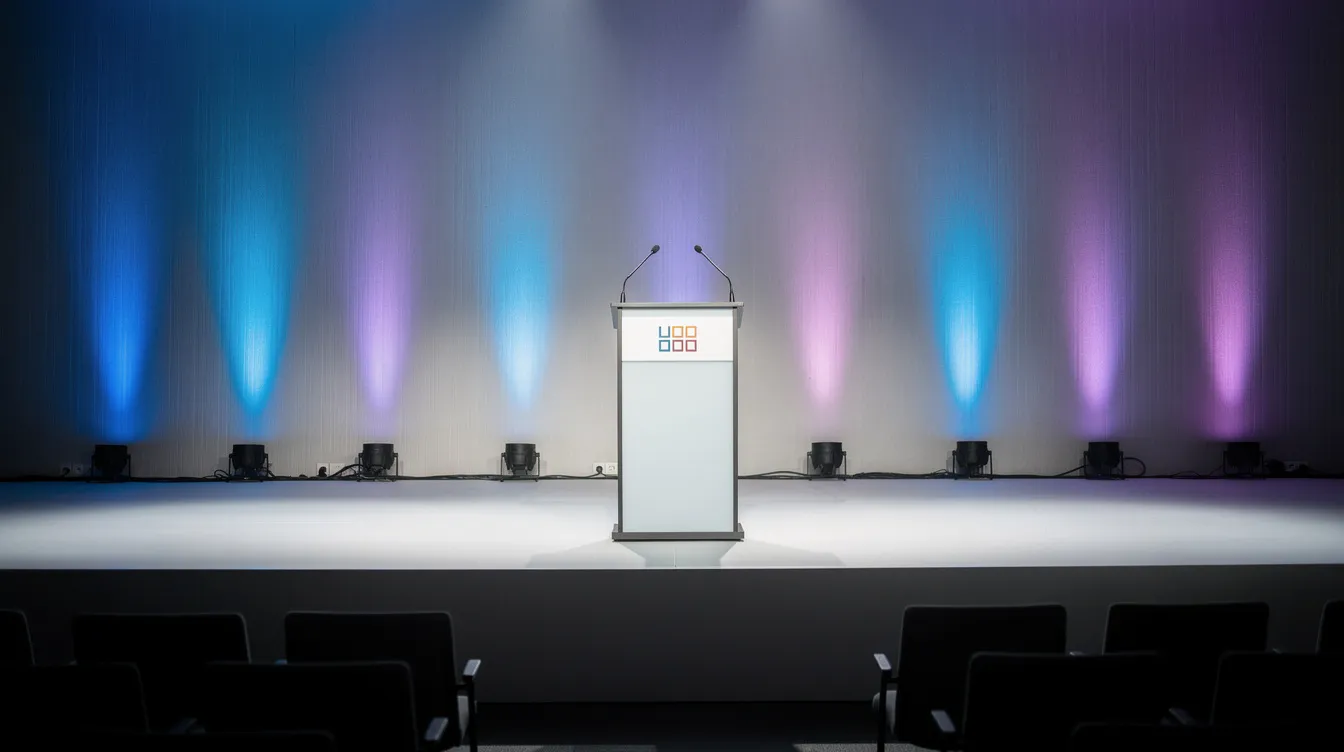
Good event lighting supports cameras, in person visibility, and brand atmosphere. Dynamic lighting is essential for making presenters look professional and engaging on stage and on screen.
Presenter front light and stage wash. Even, flattering white light (typically matched to camera white balance at 5600K) removes harsh shadows from faces. Three-point lighting (key, fill, back) is standard when cameras are capturing the session.
Camera-friendly lighting. When recording or livestreaming, lighting positions must avoid color casts and spill onto LED walls or projection screens, which tints content and degrades the image.
Scenic and architectural looks. LED uplights, logo gobos, and color washes help establish brand atmosphere without competing with slide content. Scenic design supports the visual identity of the event.
Programmed transitions. Lighting changes between walk-in, keynote, panel, and awards segments give the show momentum. Lighting consoles store cues and synchronize with video and audio for a cohesive conference production. Cabling safety measures include using gaffer tape to prevent tripping hazards across cable runs on stage and in the audience area.
Playback Systems: Presentations, Video Rolls, and Walk-In Content
Playback is the content engine of the general session AV system, separate from microphones and cameras. Presentation computers running PowerPoint or Keynote, or dedicated media servers, handle slide decks, PDFs, and live demos.
Video rolls (brand films, openers, sponsor reels) require proper file formats, frame rates, and matched audio levels. Walk-in and walk-out music, holding slides, and countdown graphics fill dead time and manage transitions between segments. These details create an engaging experience rather than awkward silence during changeovers.
Testing presentation content on final displays identifies visibility problems before doors open. A misspelled font, a missing video file, or a mismatched aspect ratio is easy to fix in rehearsal and painful to discover in front of 800 attendees.
Backup playback where appropriate means mirrored presentation computers or spare inputs ready to switch if a primary system fails. A video or playback technician manages content cues, coordinates with the show caller, and ensures presentations appear on the right screens at the right time using the correct playback devices.
Cameras and IMAG: When to Add Live Video to the General Session
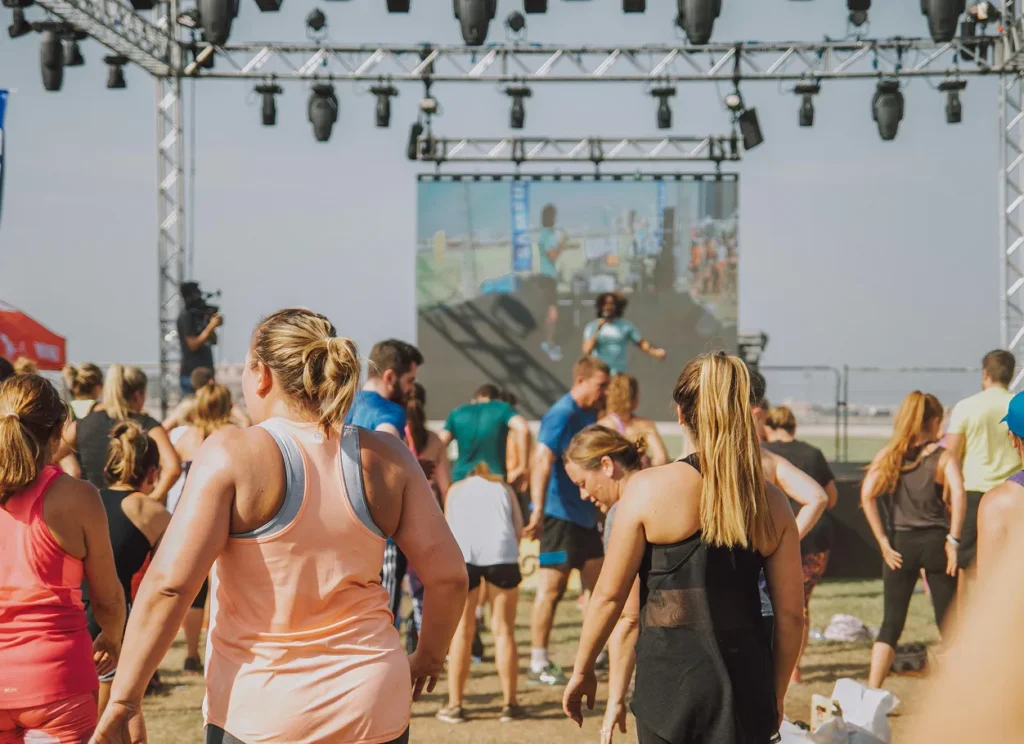
IMAG (image magnification) becomes valuable when room depth exceeds roughly 80 to 100 feet or the audience size grows past 300 to 400 people. At that scale, faces on stage are too small to read from the back third of the room.
Camera positions. A center or rear-of-house camera provides the primary shot. Side cameras offer alternate angles for panels or wide stage setups. Optional roaming cameras add audience reaction shots. Camera placement is crucial for hybrid meeting visibility because the same feeds often serve both in-room screens and remote participants.
Switching. Seamless switchers handle transitions between live cameras and video playback smoothly, routing different feeds to LED walls, side screens, confidence monitors, and recording systems.
Hybrid and streaming. Hybrid events require dedicated streaming and capture hardware for remote attendees. Hybrid meetings require reliable audio and video integration so remote participants receive the same content quality as in-room attendees. Effective hybrid AV systems support remote and in-person participants equally, and hybrid AV setups must accommodate various conferencing platforms (Zoom, Teams, Webex) depending on the organization’s infrastructure. Live polling and interactive Q&A tools can extend participation to remote attendees.
Not every corporate conference requires a multi-camera package. Front Row FX scales camera and IMAG solutions to match audience size, budget, and goals.
Show Control and Communication: Running the Room as One System
A successful conference general session is a coordinated system, not independent pieces of AV equipment operating in isolation. Show control ties every department together.
Presentation management. Collecting slide decks in advance, converting files to a standard format, and testing content on the actual AV system prevents last-minute surprises. This careful planning eliminates most content-related equipment failures.
Cueing and show calling. A show caller or technical director follows a detailed run of show, calling cues for audio, video, lighting, and stage moves over comms. A technical director coordinates cues during events so that lighting changes, video rolls, and mic switches happen on time. AV operators manage audio, video, and lighting during events to ensure smooth transitions. They coordinate cues across departments using control systems and intercom.
Content routing. Different signals (slides, IMAG camera feeds, sponsor logos, timers) are directed to main screens, side screens, confidence monitors, and overflow spaces through a centralized video routing system.
Clear communication between staff is crucial for event success. Wired or wireless intercoms link audio, video, lighting, stage management, and camera operators into one production team. Front Row FX can provide full show direction or integrate with your existing producer to manage conference general session AV as a cohesive production.
Crew Roles: Matching Staffing to Conference AV Requirements
Not every conference needs every crew position. Technical staffing plans should reflect room requirements, program complexity, and risk level. Large conferences may require multiple technical staff roles; a training session for 50 people does not.
Core roles for a general session:
Role | Responsibility |
|---|---|
Audio technician | Mixes all sound sources at the console; manages mics, playback audio, sound levels |
Video/playback technician | Manages slide decks, video rolls, content routing to displays |
Lighting technician | Operates lighting cues, adjusts looks for each segment |
Stage/production support | Handles mic handoffs, presenter assistance, stage moves |
Camera operators | Operate cameras for IMAG and recording (when cameras are in use) |
Show caller / technical director | Calls cues across departments (when show complexity warrants it) |
Dedicated technicians may be needed for complex sessions with fast-paced cue sequences, multiple walk-ons, or live music. A 200-person leadership meeting might run with 3 to 4 experienced technicians. A multi-day corporate conference general session with 1,000+ attendees could require a team of 10 to 20 people including technical teams, camera operators, and production support.
Front Row FX right-sizes crew to match the event’s risk profile and budget, whether that is a lean setup for executive meetings or a full technical support team for a large conference.
Redundancy, Power, and Risk Management
A reliable ecosystem of AV equipment ensures successful general session production. The goal is to build redundancy into critical systems without turning every corporate conference into a broadcast facility.
Practical redundancy includes:
Spare wireless microphones and backup channels
Mirrored playback laptops with identical content
Extra cabling and secondary inputs on the audio console
Backup systems for key video sources
Backup plans for critical equipment are necessary for event AV proposals. Redundant systems prevent disruptions during critical presentations, whether that is a CEO’s annual address or a product launch.
Power planning. Heavy-duty power distribution is essential to prevent overloads in AV setups. LED walls, lighting rigs, and audio racks each draw substantial current; dedicated circuits prevent shared loads from tripping breakers mid-session. Coordinate with the venue on power drops, and plan for generator requirements on outdoor events.
Standardization. Standardizing AV setups simplifies logistics across breakout rooms and simplifies transitions between breakout rooms when the same base configuration (screen, audio, playback) is replicated in each space. This also helps technical teams troubleshoot faster because every room uses the same system design.
Contingency plans should match the stakes: a mission-critical shareholder meeting justifies higher-level backup systems than an internal town hall.
Rehearsal, Speaker Checks, and Content Review
Testing AV systems before events reduces technical problems. Rehearsal is one of the highest-impact, lowest-cost steps in conference audiovisual production. Most general session producers recommend 2 to 4 hours of dedicated on-site rehearsal for key technical checks, and booking production 60 to 90 days ahead gives the team time to prepare.
Speaker checks. Each presenter walks the stage with their assigned microphone, tests confidence monitors, practices slide advance controls, and runs any embedded video in their deck. Pre-event testing verifies sound coverage and video signal paths before the audience arrives.
Content review. The AV team verifies fonts, video playback, aspect ratios, and last-minute file changes. This is where mismatched content resolution or missing media gets caught and fixed.
Technical rehearsal. For general session openings, awards segments, or multi-presenter programs, running through the full sequence with lighting cues, music, and video rolls reduces onstage hesitation. Practicing walk-ons, panel seating moves, and Q&A flows with the full technical teams in place ensures everyone knows what happens and when.
Rehearsal polishes the system and the people operating within it, not just individual pieces of AV equipment.
How Front Row FX Integrates General Session AV in the Upper Midwest
Front Row FX designs and delivers integrated general session AV: professional audio, LED walls or projection, cameras, lighting, playback, and show control under one production direction. Working with a single conference production company simplifies the planning process compared to sourcing separate vendors for audio, video, and lighting.
We support corporate events, annual meetings, galas, and large conferences throughout Minnesota, Wisconsin, the Twin Cities, Chicago, and the broader Upper Midwest. Our technical teams are familiar with local venues, power and rigging constraints, and the specific challenges of Upper Midwest event spaces, from exhibit hall floors to historic ballroom stages.
Share your next general session’s audience size, room details, and program format with Front Row FX so we can propose a right-sized, risk-appropriate AV solution.
A professional general session is a coordinated system that makes clear communication effortless for audiences and speakers alike.