LED Wall Content Resolution: How to Prepare Media for LED Video Walls at Live Events
A 30-foot-wide LED wall is not automatically 1920 × 1080 pixels. The physical size of an LED display, measured in feet or meters, is separate from its digital pixel resolution, measured in pixels wide by pixels tall. A wall’s native pixel canvas depends on how many LED panels are installed, what pixel pitch those panels use, and how the video processor maps the signal. Treating every LED wall as a full HD screen leads to blurry graphics, misaligned layouts and last-minute re-renders.
This guide covers everything event planners, agencies, designers and content producers need to prepare video, motion graphics, presentations and camera feeds for LED video walls at live events. The sections below walk through pixel pitch, screen resolution, aspect ratio, content canvas sizing, frame rate versus refresh rate, scaling, safe zones and delivery specs. Front Row FX provides complete LED screen production, including design, processing, content coordination, testing and on-site operation for events in Minnesota, Wisconsin, Illinois and Georgia.
Core LED Wall Concepts: Physical Size vs Pixels vs Content Canvas
An LED screen has two sets of dimensions that are closely linked but not interchangeable. Physical screen dimensions describe the wall’s width and height in real units, for example a 24 ft × 9 ft wall on a conference room stage. Digital dimensions describe the number of pixels the wall displays.
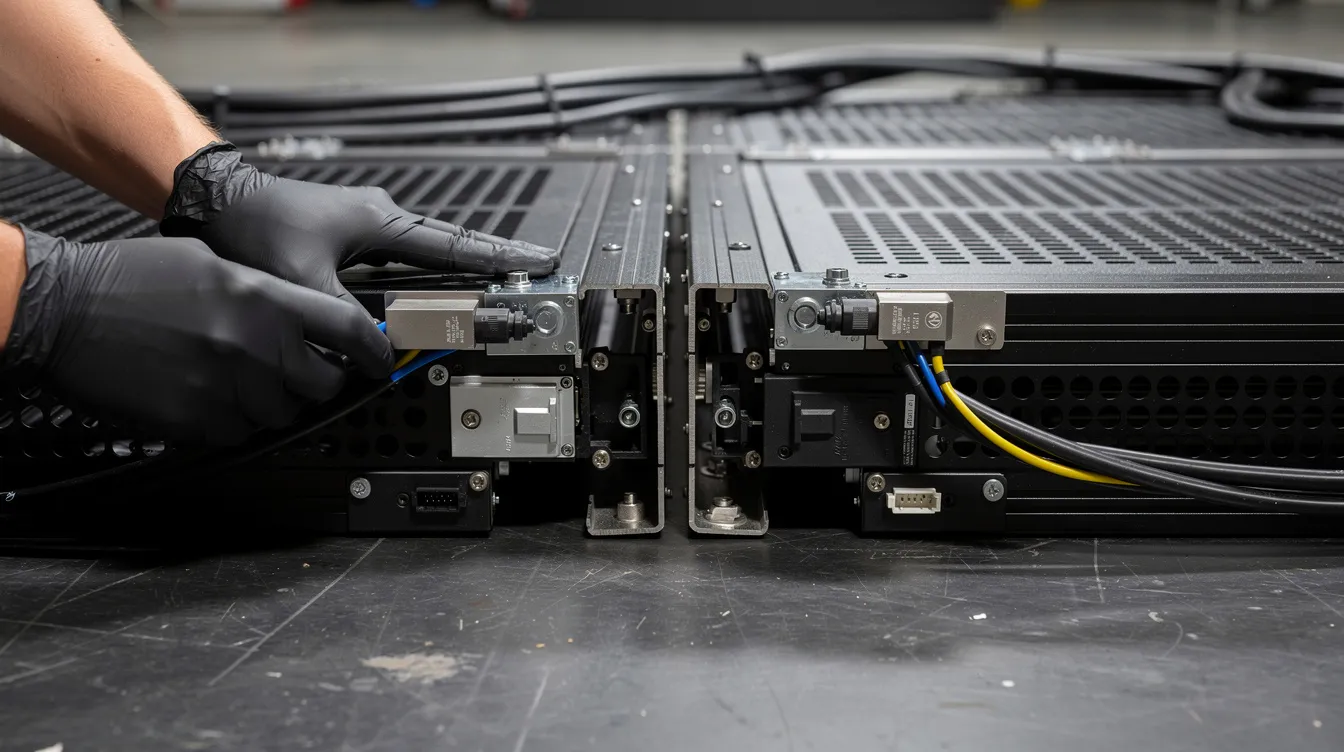
LED walls are built modularly from cabinets and panels. Each cabinet contributes a fixed block of LED pixels. The total pixel count across all cabinets determines the wall’s native resolution. Here are the terms that matter:
-
Physical screen dimensions. Width and height in feet or meters (e.g., 24 ft × 9 ft).
-
Pixel pitch. The center-to-center distance between adjacent LED pixels, measured in millimeters. A 2.6 mm pitch means each pixel is 2.6 mm from the next. Smaller pixel pitch produces higher pixel density and sharper images at close distances.
-
Native pixel resolution. The total LED pixels wide by pixels tall (e.g., 2304 × 864). This is the screen resolution that content must ultimately match.
-
Content canvas. The pixel dimensions designers should build their files to. It matches or maps to the native resolution.
-
Aspect ratio. The proportional relationship of width to height (e.g., 16:9, 32:9, or a custom ratio like 4:1). The screen aspect ratio is set by the cabinet layout, not by a video standard.
-
Processor output resolution. The signal the video processor sends (e.g., 3840 × 1080). The processor maps this output to the LED wall’s native pixel grid.
-
Playback resolution. The resolution of the media file itself (e.g., a 1920 × 1080 ProRes file loaded on the media server).
-
Refresh rate. How many times per second the LED hardware redraws the image, measured in Hz (e.g., 3,840 Hz). This is a display property.
-
Content frame rate. How many frames per second are encoded in the video file (e.g., 23.98, 29.97, 59.94 fps). This is a media file property.
Content frame rate and LED refresh rate are different measurements configured in different parts of the system. They interact during playback, but they are never interchangeable.
Think of it this way: the physical rectangle on stage has a width and height in feet, and overlaid on that rectangle is a pixel grid with its own width and height in pixels and its own aspect ratio. Designing content without knowing both sets of numbers leads to problems visible from every seat in the room.
Front Row FX configures complete LED screen wall systems where the physical layout, pixel map and content canvas are confirmed before creative work begins.
How Native LED Display Resolution Is Calculated
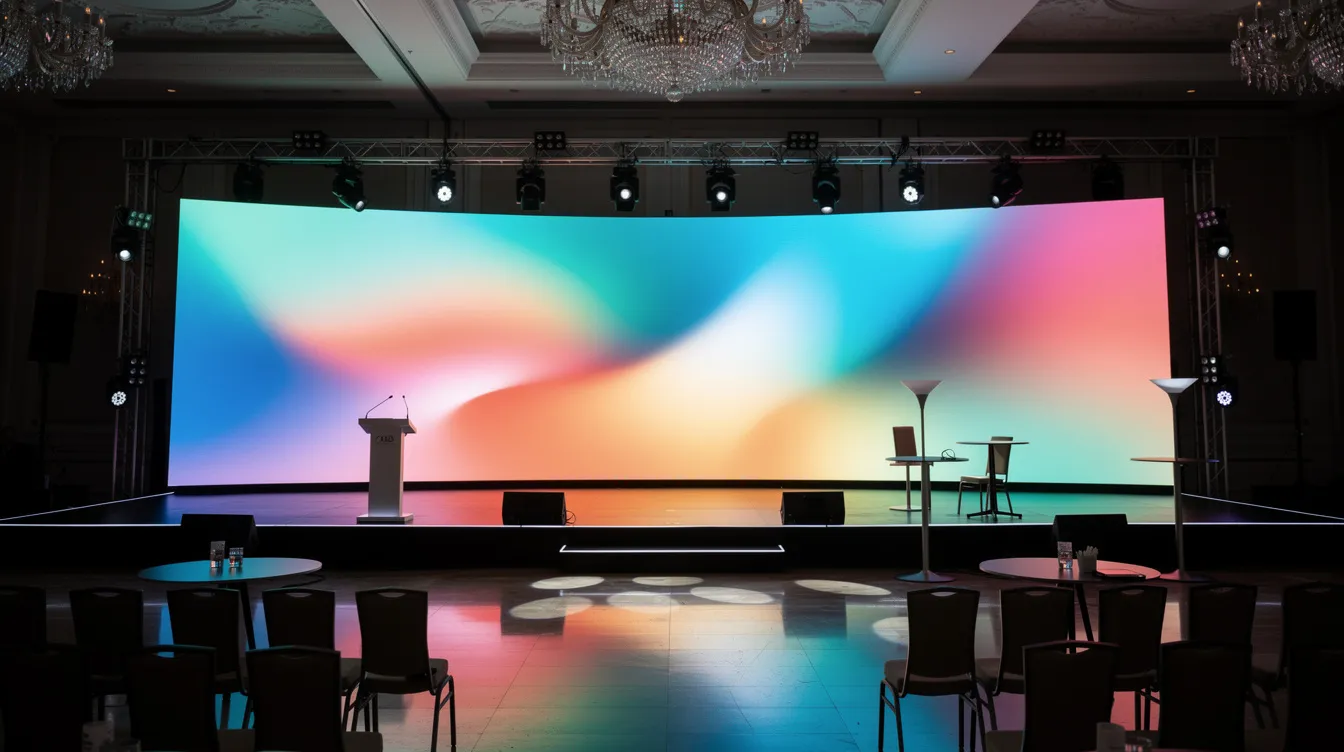
Each LED cabinet or panel has a fixed pixel resolution determined by its physical size and pixel pitch. A 500 × 500 mm cabinet with a 2.6 mm pixel pitch contains roughly 192 × 192 pixels. Native resolution for the full wall is calculated by summing the pixels across all cabinets:
-
Total pixels wide = number of cabinets across × horizontal pixels per cabinet
-
Total pixels tall = number of cabinets high × vertical pixels per cabinet
Not every cabinet in a build must have identical resolution; the production team should confirm the final pixel count for each wall.
Illustrative example only: A wall built from 6 cabinets wide × 3 cabinets tall, each 192 × 192 pixels, yields a native canvas of 1152 × 576 (6 × 192 by 3 × 192). This is not a universal standard. Your wall will have its own numbers based on the specific cabinet layout and pixel pitch selected.
The content resolution dictates processing load and scaling efficiency on an LED wall. Higher resolutions require larger screens to maintain useful pixel density, and high-resolution content requires robust multi-port data routing and high refresh rates from the processing chain.
The optimal content resolution for an LED wall is its exact native pixel resolution. Designing to that target avoids resampling. Before starting any creative work, request a final pixel map from your LED provider confirming the native pixel width, height and aspect ratio. For complex creative layouts with stepped, curved or multi-zone LED walls, Front Row FX provides a detailed pixel map showing every cabinet’s position and pixel origin.
Physical Dimensions, Pixel Pitch and Minimum Viewing Distance
Screen size in feet and screen resolution in pixels are related, but pixel pitch is the bridge between them. Pixel pitch measures the distance between LED pixels in millimeters. A smaller pixel pitch (e.g., 1.5 mm) packs more pixels into each square foot, producing finer detail and higher image quality at close viewing distances. A larger pixel pitch (e.g., 4.8 mm) spreads pixels further apart and is suitable for viewing from greater distances.
Common pixel pitch values for indoor and outdoor projects include 0.9 mm, 1.2 mm, 1.5 mm, 2.5 mm, 2.6 mm, 3.9 mm and 4.8 mm. The right pixel pitch depends on how close the nearest audience member sits.
A practical guideline: minimum viewing distance in meters roughly equals the pixel pitch in millimeters. A 1.5 mm pixel pitch is best viewed from about 1.5 meters away. In feet, multiply the pitch by roughly 10: a 2.6 mm pitch works well when the closest viewer is about 26 feet from the screen. For 8 feet viewing distance, 1080p is sufficient on most screen sizes. A 720p resolution is suitable for small screens up to about 20 inches, but live event LED walls are far larger.
Finer pixel pitches require higher resolutions to prevent pixelation effects from close viewing distances. Viewing distance heavily influences the required resolution for LED walls.
Event examples (illustrative):
-
A corporate ballroom LED wall with audience rows at 20 to 60 ft might use 2.6 mm or 3.9 mm pixel pitch.
-
An outdoor concert stage with the crowd 75+ ft away could use 4.8 mm or larger.
Selecting cabinets with high ingress ratings is vital to prevent moisture-related short circuits in outdoor LED installations. Environmental factors such as humidity and temperature swings can affect LED wall performance in Minneapolis and similar climates, so outdoor projects require panels rated for those conditions.
Front Row FX helps balance the right pixel pitch, budget and image quality for LED video walls in ballrooms, arenas and control rooms. Learn more about how pixel pitch and screen size interact in a full production context.
Aspect Ratio and Screen Resolution: Why 16:9 Is Not Always the Answer
Aspect ratio is the proportional relationship of screen width to screen height. Common aspect ratios include 16:9, 4:3 and 21:9. A 16:9 LED wall is ideal for most standard video content, and a standard aspect ratio like 16:9 maps to resolutions such as 1920 × 1080 (full HD) or 3840 × 2160.
Many LED video walls do not use 16:9. Because LED panels are typically square or near-square, tiling them creates screen dimensions driven by the number of cabinets in each direction, not by broadcast standards. A wall 24 cabinets wide × 6 cabinets tall might produce a native resolution of 4800 × 1200, yielding a different ratio of 4:1.
Standard aspect ratios (16:9, 4:3, 21:9) align with existing content formats: video, presentations and livestreams. Custom aspect ratios appear in ultra-wide ribbons, tall banners, curved scenic walls and asymmetrical stage designs. Custom aspect ratios require careful content planning because standard media files will not fill the screen without adaptation. Aspect ratio also impacts installation complexity and project cost; a wider or taller wall needs more panels, more rigging and more processing bandwidth.
A mismatch in aspect ratio can cause content stretching or cropping. When the screen aspect ratio matches the content aspect ratio, the image fills the wall cleanly. When they differ, the video processor must scale or crop, which introduces visual compromises.
Physical stage width, trim height, room dimensions and audience sightlines all influence the chosen LED wall shape. Front Row FX often designs LED walls starting from the content needs (presentations, branded motion loops, camera shots) and works back to an appropriate aspect ratio and pixel map. Details on how physical sizing and sightlines guide screen height and screen width choices are covered in the LED wall size planning process.
Designing Content for Standard and Creative LED Video Wall Layouts
The content canvas is the exact pixel width and pixel height that the creative team designs to. Canvas dimensions for LED walls should match their internal resolution for optimal display performance. Designing in a generic 1080p template and scaling up produces soft edges and visible artifacts.
Creative LED layouts (staggered columns, LED ceilings, curved walls, stage backdrops plus side IMAG screens) may use a single large canvas split into zones, multiple separate canvases for different LED walls, or a mix of LED and projection with each surface at its own resolution.
Practical design approaches:
-
For a standard 16:9 LED video wall, build content at the native pixel resolution or at a clean multiple (e.g., 1920 × 1080 for a 3840 × 2160 wall).
-
For custom ultra-wide walls (e.g., 5760 × 1080), design native-width timelines in After Effects, Premiere Pro or similar tools. Custom content built to these dimensions avoids resampling.
-
For segmented layouts, use guides or composition nesting to align key visual content with each physical LED zone.
Presentations and branded motion graphics should place titles and logos within the main visibility band of the screen, away from edges or panel seams. Lower thirds and speaker names should sit in the center third of the screen height to remain readable from every seat.
Front Row FX provides pixel maps and content templates for complex LED video walls so agencies and designers can build media to exact specifications. Learn more about creative stage configurations where multiple LED surfaces work together.
Content Types: Video, Motion Graphics, Logos, Presentations and Live Camera
Different content types behave differently on an LED display. Vector logos, PowerPoint slides, high-bitrate video content, live camera feeds and social media graphics each have distinct requirements.
-
Video and motion graphics. Design at the target content canvas resolution. Avoid tiny text and hairline details. Use adequate bitrates and visually clean gradients to prevent banding. High definition video files should match the content canvas, not default to a lower resolution.
-
Logos and brand elements. Supply high-resolution vector files (SVG, AI, EPS) or large PNGs with transparency. Avoid very thin lines; fine detail may flicker or disappear on individual pixels. Ensure strong contrast between the logo and its background.
-
Presentations (PowerPoint, Keynote, Google Slides). Set the slide size to match the LED content canvas or the mapped presentation region. Use large, high-contrast text with generous margins. A rule of thumb: for each 15 ft of maximum viewing distance, text should be at least 1 inch tall on the screen.
-
Live camera (IMAG) feeds. Most cameras output 16:9. If the LED wall uses a different ratio, plan whether to crop or pillarbox the feed. Compose shots so faces and key action sit in the center of the frame. Coordinate framing with the director and pixel map; account for latency in the camera-to-wall chain.
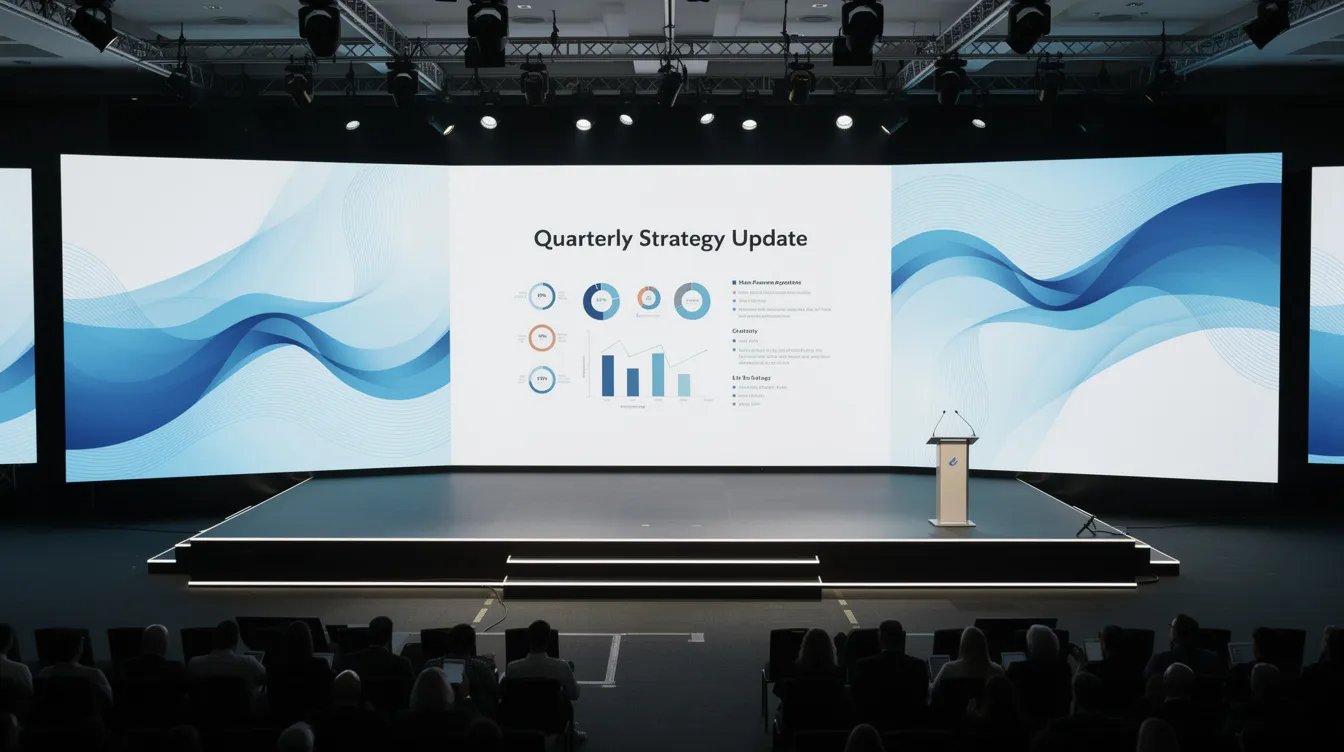
Example: A corporate general session with a 32:9 panoramic LED wall might reserve the main 16:9 area in the center for slides and high definition video, while flanking areas display decorative motion, branding and ambient visuals. Control rooms and monitoring environments prioritize fine detail, legibility of detailed content and multiple data windows, which drives the choice toward a very fine pixel pitch.
Collaborate early with your LED production team so content designers know the exact visual experience their media will deliver on site.
File Formats, Codecs, Frame Rates and Playback Compatibility
There is no single universal file format or codec for all LED video walls. Final specifications depend on the playback system, video processor and content workflow.
Common containers and codecs:
|
Element |
Common Options |
|---|---|
|
Containers |
.mov, .mp4, .mxf |
|
Codecs |
ProRes 422, ProRes 4444 (alpha), DNxHD/DNxHR, H.264, H.265 |
|
Frame rates |
23.98, 25, 29.97, 50, 59.94 fps |
|
Color space |
Rec. 709 / sRGB (confirm with production) |
Use constant frame rates. Avoid variable frame rate exports from screen-recording software or mobile devices. Match the content frame rate to the show’s master frame rate.
Frame rate vs. refresh rate (critical distinction):
-
Content frame rate is how many frames per second exist in the media file.
-
LED refresh rate is how often the LED driver scans and updates the entire display per second (e.g., 1,920 Hz, 3,840 Hz, 7,680 Hz).
A 3,840 Hz refresh rate is a common baseline for any LED wall that will appear on camera or be livestreamed. The two values interact during playback, but they are configured in different parts of the system and measured on different scales. Smooth playback depends on both being set correctly.
Ask your LED partner for a spec sheet listing preferred container, codec, target frame rate, color space and audio requirements. Front Row FX can accommodate multiple file types but may request specific formats for efficient rehearsals and show playback.
Scaling, Cropping, Letterboxing, Pillarboxing and Safe Zones
When content resolution or aspect ratio does not match the LED wall’s screen resolution, the system must adapt the image. Scaling content improperly introduces softness, shimmering, or distortion. Low-resolution content can make an LED wall look soft regardless of its hardware quality.
Key terms:
-
Scaling. Resizing content to fit. Uniform scaling preserves the aspect ratio; non-uniform scaling stretches the image.
-
Cropping. Cutting off edges to fill the screen without black bars.
-
Letterboxing. Black bars at top and bottom when content is wider than the screen’s proportional height.
-
Pillarboxing. Black bars on the sides when content is narrower than the screen.
Matching the content resolution to the wall’s native resolution prevents scaling artifacts entirely. When a match is not possible, prefer uniform scaling that preserves the aspect ratio. Accept letterboxing or pillarboxing where necessary, or design custom background fills to replace solid black. Avoid placing critical text, logos or faces near the extreme edges of the canvas.
Safe zones: Keep key content within roughly 10% of each edge. Lower thirds and subtitles need extra margin in case the processor mapping shifts slightly during setup.
Example: A 1920 × 1080 video played on a 3840 × 1080 LED wall might be shown centered with pillarbox bars on the sides, scaled to full height with flanking areas used for secondary branding, or integrated into a wider designed background. The choice depends on the content strategy and event goals.
Test layouts on templates that reflect the full LED wall and all safe zones before locking creative.
Color, Contrast, Brightness and Image Quality on LED Screens
LED video walls are self-emissive displays. Indoor walls typically run at 800 to 1,500 nits; outdoor screens can reach 4,000 to 10,000 nits. This brightness exaggerates color, highlights compression artifacts and makes overly bright visual content fatiguing for viewers.
Guidelines for color accuracy and visual quality:
-
Use high contrast between text and background for readability in presentations and data-heavy slides.
-
Avoid pure white full-screen backgrounds at 100% brightness; they stress cameras and fatigue audiences in dark rooms.
-
Keep brand colors within broadcast-safe ranges to reduce clipping or oversaturation.
-
Be cautious with fine gradients; banding is more visible on larger screens and can undermine image performance.
-
High grayscale depth content is necessary to adjust brightness during daylight for outdoor LED walls.
Maintaining brightness in outdoor LED walls is essential for visibility in sunlight. Seasonal glare affects readability on LED walls in bright sunlight and snowy conditions, a real concern for outdoor projects in the Upper Midwest.
Pixel density and pixel pitch influence perceived sharpness: on a closer-viewed high resolution screen, small flaws, compression artifacts and aliasing become obvious. For long-throw walls, ultra-high image quality may not be required beyond a certain viewing distance.
Front Row FX calibrates LED video walls to a balanced brightness and color temperature suitable for cameras, in-room lighting and crisp visuals. Test key brand colors, skin tones and logo treatments on the actual LED wall during preproduction or rehearsal whenever possible.
Pixel Maps, Content Templates and Working With the Production Team
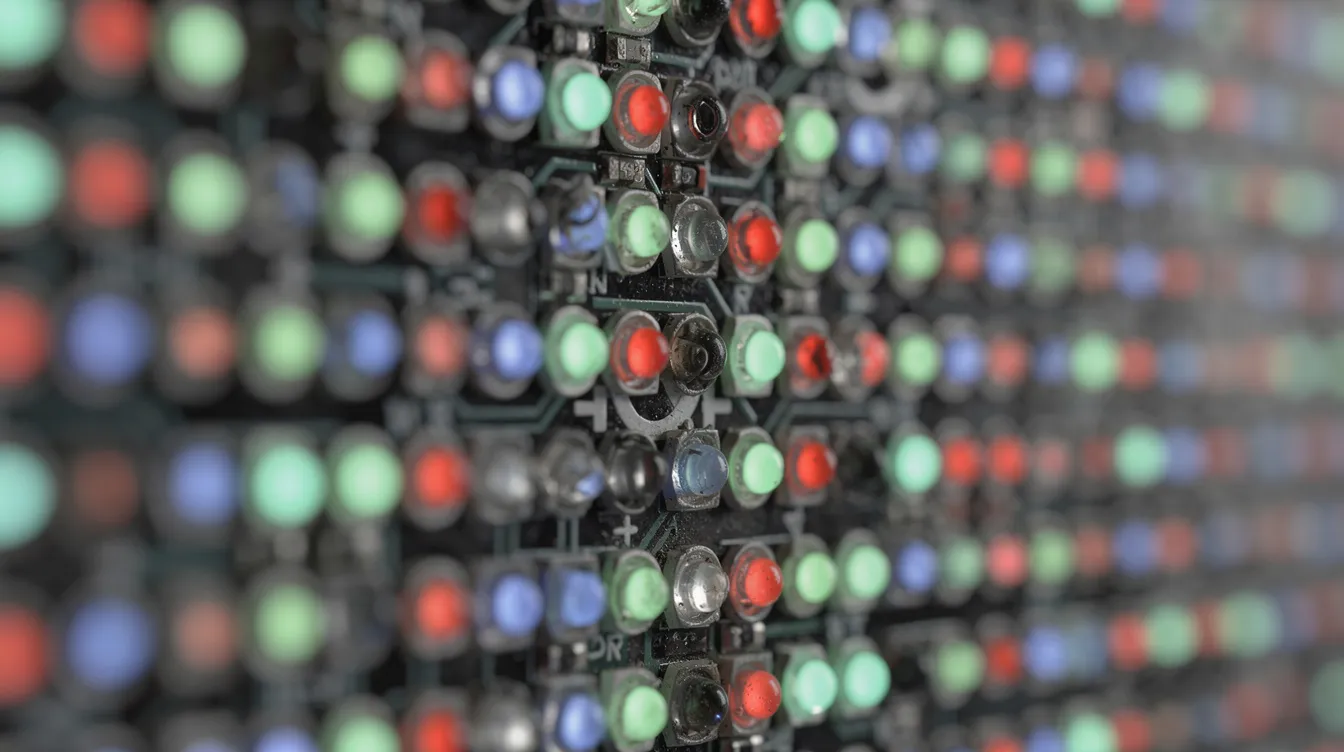
A pixel map is a technical document showing the layout of all LED video walls, including pixel dimensions, coordinates, active areas and any gaps or negative space. It is the single source of truth for every agency, designer and vendor creating LED content for the event.
Content templates are designer-friendly files (After Effects compositions, Photoshop documents, PowerPoint masters) built to the exact content canvas, with native pixel width and height, screen aspect ratio notes, clearly marked safe zones and non-visible areas, and any reserved regions for overlays, camera feeds or presentation windows.
A pixel map or template from Front Row FX should include:
-
Native LED display resolution and active content areas
-
Any scaled or windowed areas (e.g., a 1920 × 1080 region inside a 3840 × 1080 canvas)
-
File format and codec preferences
-
Content frame rate
-
Delivery deadline and revision cutoff
-
Playback and backup requirements (primary and backup copies on separate drives)
For complex shows with multiple stages, breakout rooms or lobby LED walls, Front Row FX provides a separate pixel map and content spec for each LED screen. The right specification for each wall prevents mismatched files and rework.
Content Delivery, Testing, Revisions and Backup Strategy
Deliver content early enough to allow testing on the processor and LED wall. A preproduction day or dedicated rehearsal window prevents surprises during the show.
Delivery practices:
-
Use clear, consistent file naming: “MainWall_Open_3840x1080_v03.mov” indicates screen, version and resolution at a glance.
-
Maintain version control within the creative team and communicate final approved versions to the production team.
-
Include a content manifest listing all files, resolutions, durations and intended usage.
On-site testing steps:
-
Confirm each file plays at the expected playback resolution on the target LED video wall.
-
Check for cropping, scaling issues, black frames, audio problems or color shifts.
-
Verify that slides, lower thirds and critical text are readable from the minimum viewing distance and from the back row.
Backup and redundancy:
-
Supply primary and backup copies of all final files on separate media (e.g., two SSDs).
-
Consider a backup playback system (second media server or playback computer) for mission-critical shows.
-
Keep source project files accessible in case a last-minute change requires an on-site re-render.
Late changes add risk. Locking content after the pixel map is confirmed and existing content has been verified on the wall reduces technical surprises at showtime.
Key Questions to Ask Your LED Production Provider
Use this checklist when engaging Front Row FX or any LED partner. Each question connects to a critical factor covered in this guide.
-
What is the native LED display resolution (width × height in pixels) and screen aspect ratio for each LED wall?
-
What pixel pitch will be used, and what is the approximate minimum viewing distance for the target audience?
-
What content canvas resolution should we design to for each wall?
-
What processor output resolution will be used (e.g., 3840 × 1080, 1920 × 1080)?
-
Are there areas of the wall reserved for camera feeds, presentations or overlays?
-
What are the preferred file formats, codecs, frame rates and color settings for playback?
-
What is the LED refresh rate, and how will it interact with our content frame rate and any on-camera capture?
-
What is the deadline for first-draft content and for final locked files?
-
How should we name and organize files for your playback system?
-
What backup and redundancy plans will be in place for primary content and critical cues?
In return, share your LED wall configuration diagrams, run of show, content types, presentation platforms and camera needs so the LED team can design the right system. Early, specific communication reduces rework and ensures the LED video wall supports both the creative vision and the event schedule.
Align LED Wall Configuration, Content Resolution and Workflow Before You Render
Successful LED wall content starts with understanding physical size, pixel pitch, LED display resolution, aspect ratio, content frame rate and refresh rate, then building media to match the confirmed pixel map.
There is no single required resolution like 1920 × 1080 for all LED walls; each wall’s native resolution depends on its panel configuration and pixel pitch. The right pixel pitch and screen size depend on viewing distance, visual performance goals and budget. Content frame rate and LED refresh rate are distinct; both matter for smooth playback and clean on-camera capture.
Before final rendering, share the following with Front Row FX:
-
Planned LED wall configuration (physical size, pixel pitch, cabinet layout)
-
Content types (video content, presentations, motion graphics, logos, camera feeds)
-
Presentation platforms (PowerPoint, Keynote, media server, playback software)
-
Camera and IMAG requirements
-
Playback workflow and redundancy expectations
Confirm the final pixel map, content canvas, file specs and delivery deadlines before rendering. A confirmed pixel map is the one document that connects your creative work to the physical LED wall and protects the visual experience on show day.
Contact Front Row FX for LED screen walls, pixel maps and end-to-end LED production support for your next event.